Open Ads Manager, not the Boost button. Pick the Leads goal, set a radius around the area you serve, run one clear offer with real photos, use a short instant form with one question about the job, and call every lead back within minutes. Then judge the campaign by booked jobs, not likes or clicks.
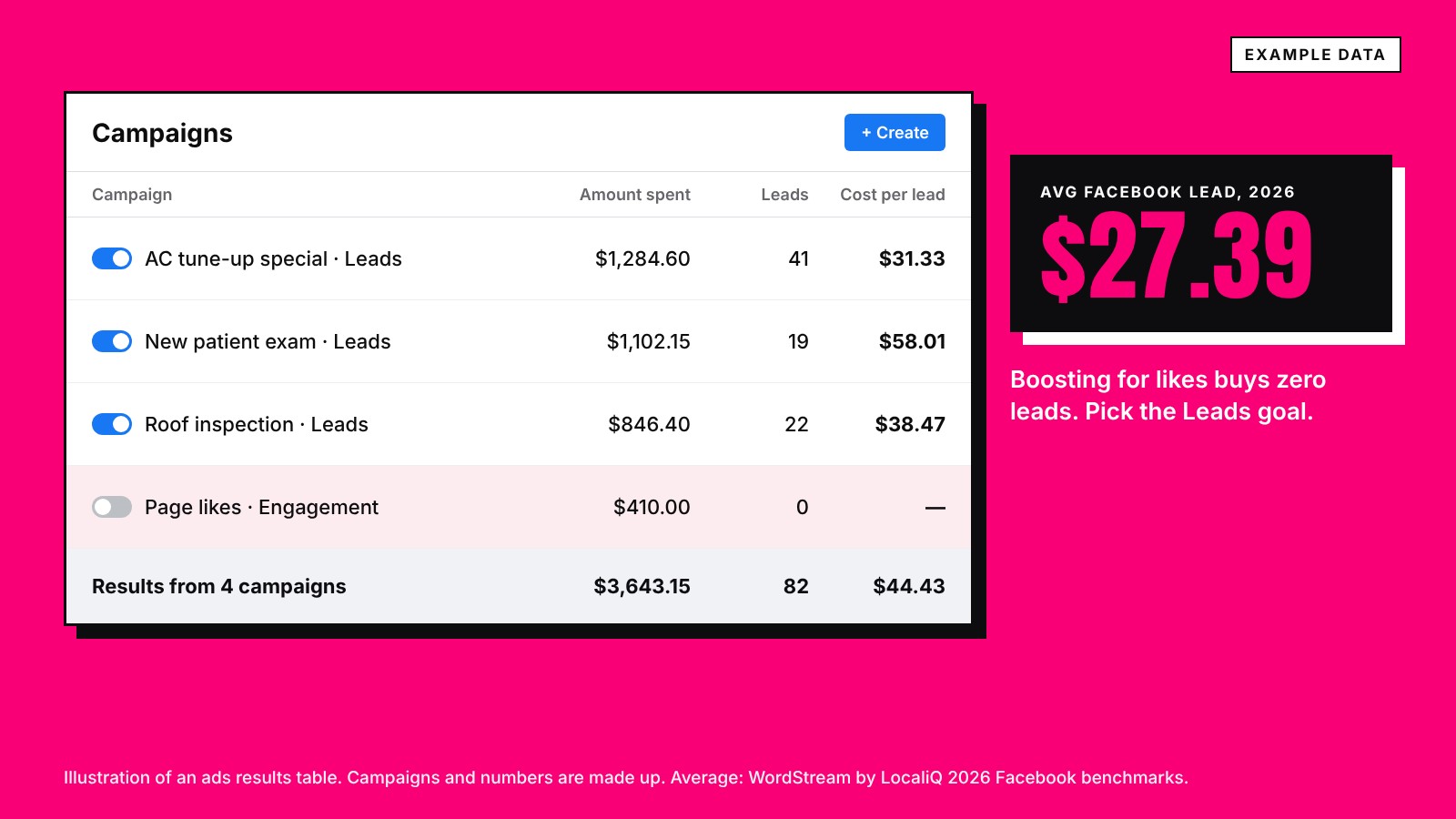
- Use Ads Manager and the Leads goal. A boost for likes brings no calls.
- Meta has one location setting now: people living in or recently in the area. Draw a tight radius.
- One offer, real photos, and a short form with one question about the job.
- The 2026 median Facebook lead cost $27.39. Budget from that and count booked jobs.
Most local businesses run Facebook ads by tapping Boost on a post. That buys likes from people who will never call. A lead campaign takes about an hour to set up and is built to bring calls and forms.
Before you start
- A Facebook business page with your real name, phone, hours and service area.
- An ad account in Meta's Ads Manager, with a payment method.
- One offer worth acting on this week, and someone ready to answer leads.
Step 1: Pick the Leads goal
In Ads Manager, click Create and choose the Leads goal. Meta then asks where leads should happen. Instant forms open inside Facebook and Instagram with the person's details filled in. You can also send people to your website or have them call you. For most local service businesses, start with instant forms or calls.
If your ad is about housing, jobs, credit or other financial products, Meta requires a Special Ad Category, which limits how you can target. Most dentists, trades and med spas do not need one, unless the ad itself sells financing.
Step 2: Draw your service area
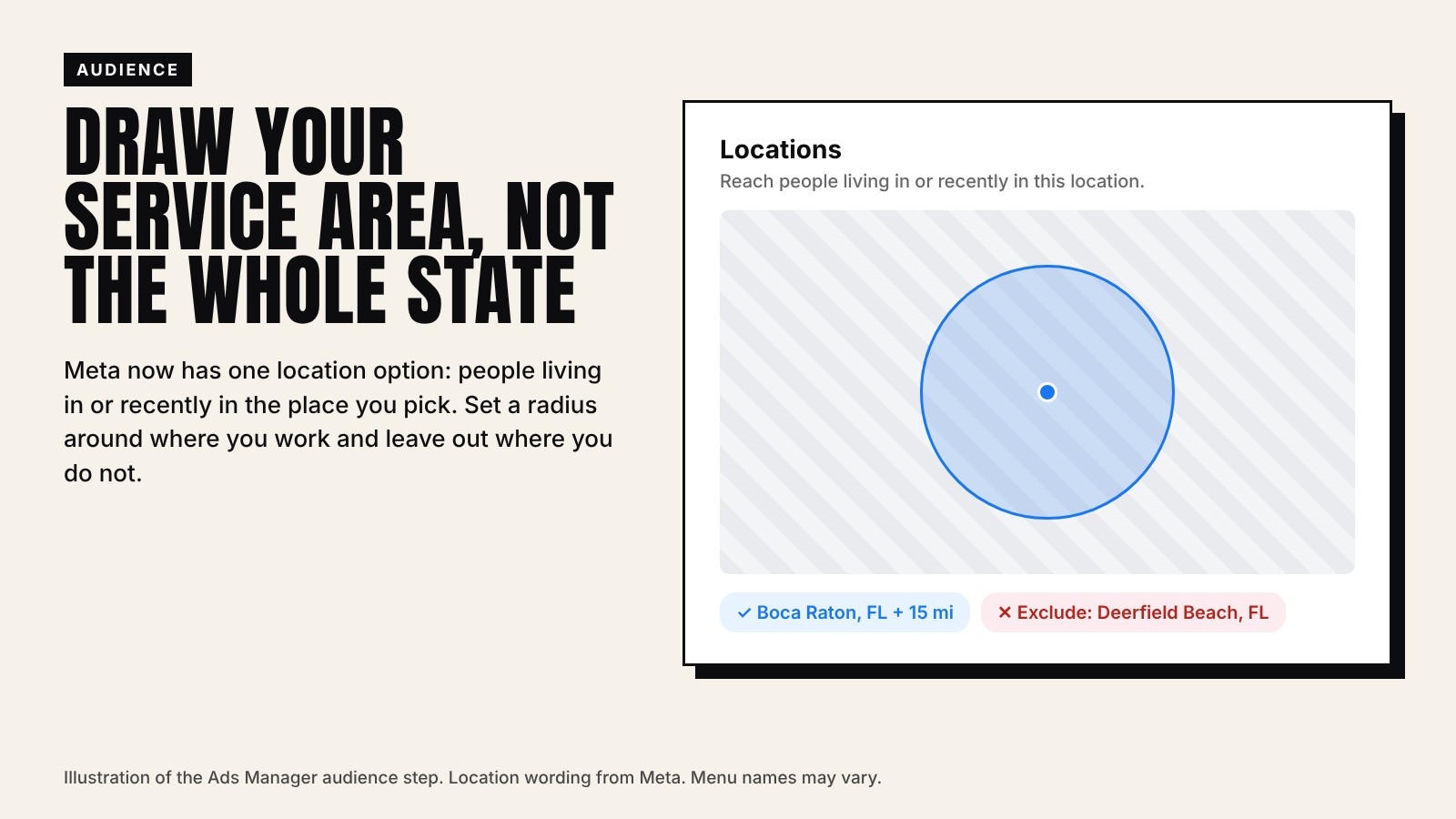
Meta removed the old location options, so ads now reach people living in or recently in the place you pick. Visitors passing through count too. Keep the radius tight around where you actually work, and exclude towns you do not serve.
Step 3: Set the budget from cost per lead
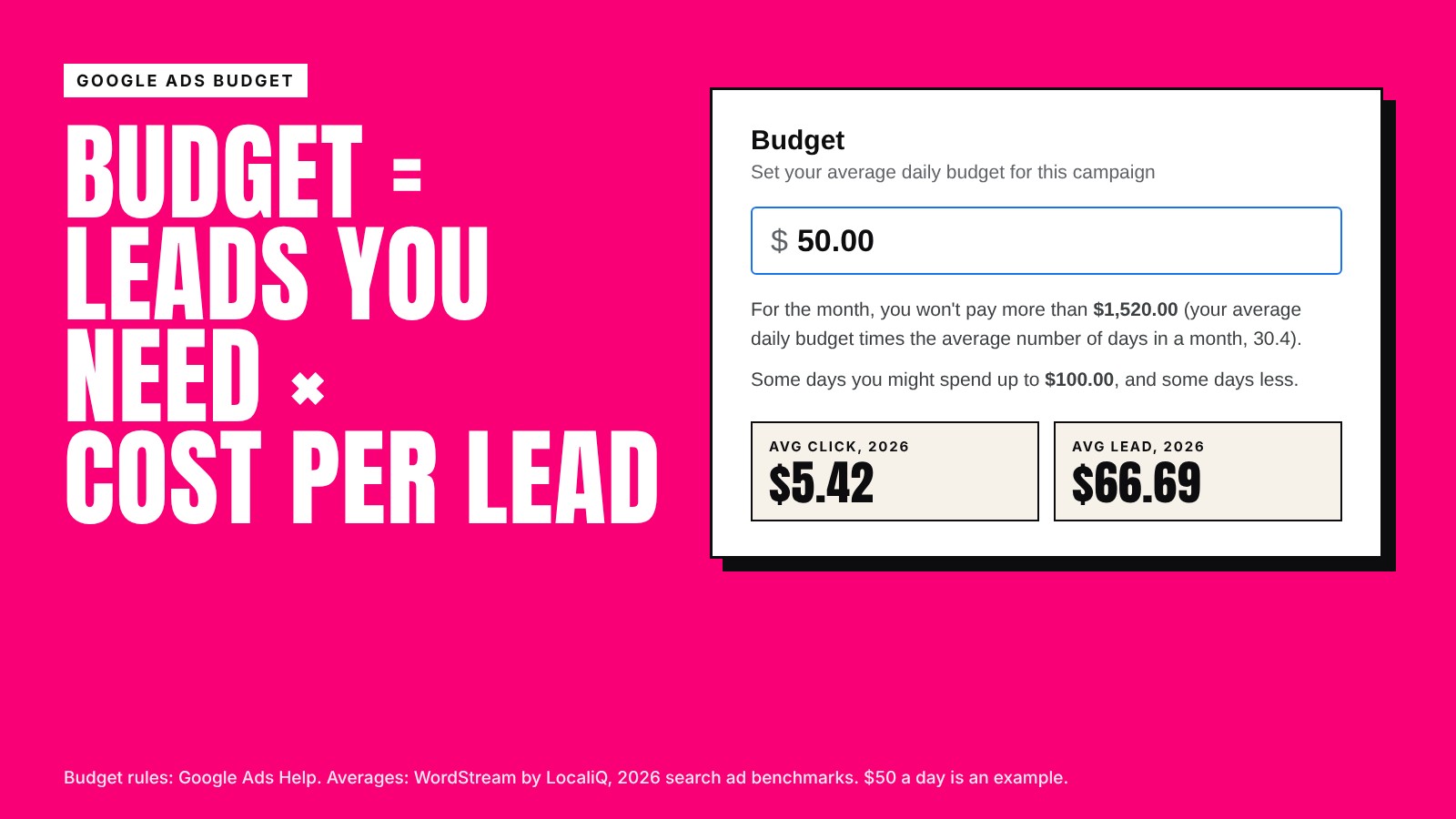
The 2026 median Facebook lead cost $27.39, and dentists paid $61.56 (WordStream by LocaliQ). Multiply the leads you need by that number. Ads Manager shows the minimum it allows for your setup when you type a budget. The full numbers are in how much Facebook ads cost.
Step 4: Write one offer, with real photos
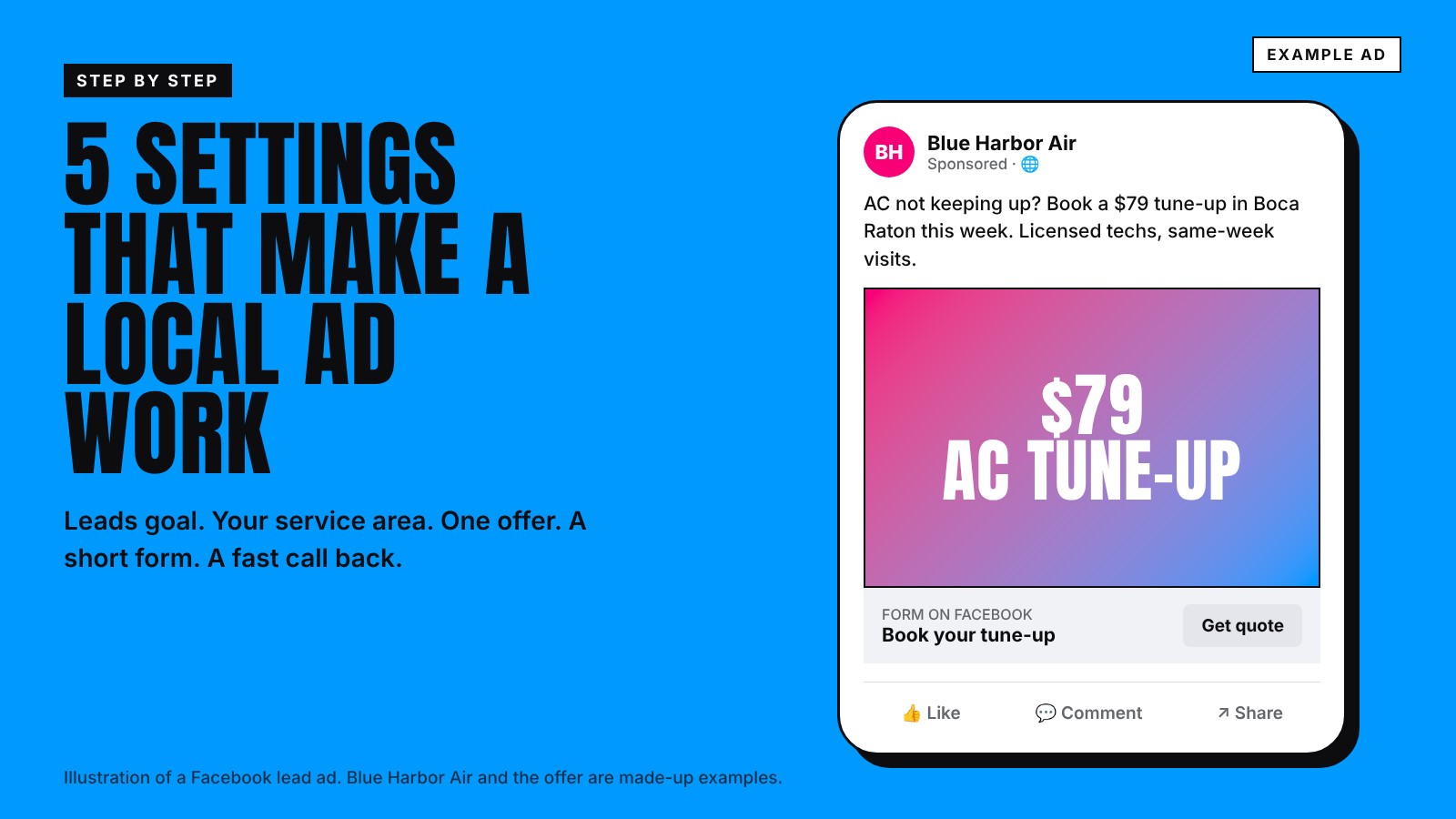
- One offer per ad. "$79 AC tune-up this week" or "New patient exam and cleaning." Not a list of everything you do.
- Real photos. Your truck, your team, your office. People scroll past stock photos.
- Say where. Put the town in the first line, so locals know it is for them.
- Say what happens next. "Tap Get quote and we call you back today."
Step 5: Keep the form short, with one real question
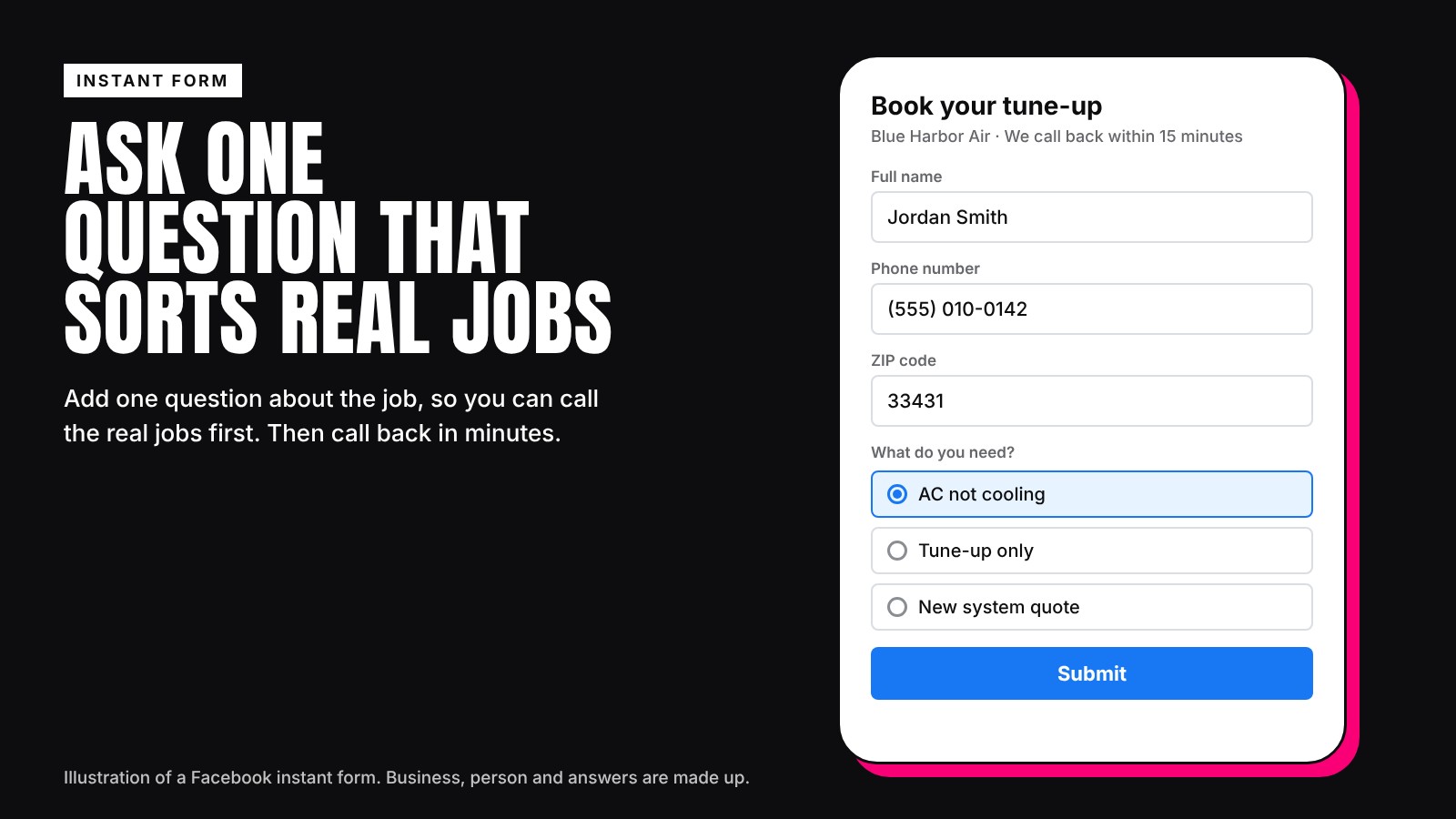
Ask for name, phone and ZIP code, then add one question about the job, such as "What do you need?" with three answers. It costs a few leads and tells you who to call first.
Step 6: Call back in minutes
A Facebook lead was scrolling, not searching. Call back the same hour, ideally within minutes. Send form leads straight to your phone or CRM. If nobody can pick up after hours, an AI receptionist can answer and book.
Step 7: Track booked jobs, not likes
Every week, count the leads, how many you reached, and how many booked. Divide your spend by booked jobs. Change one thing at a time: the offer, the photo or the area. Give a campaign a few weeks before you judge it.
Who this is for
This is for local owners who boost posts today and want real leads, including home services, dentists and med spas. We set up and run these campaigns as part of our lead generation work.